Problem 3 - Unclear Feedback

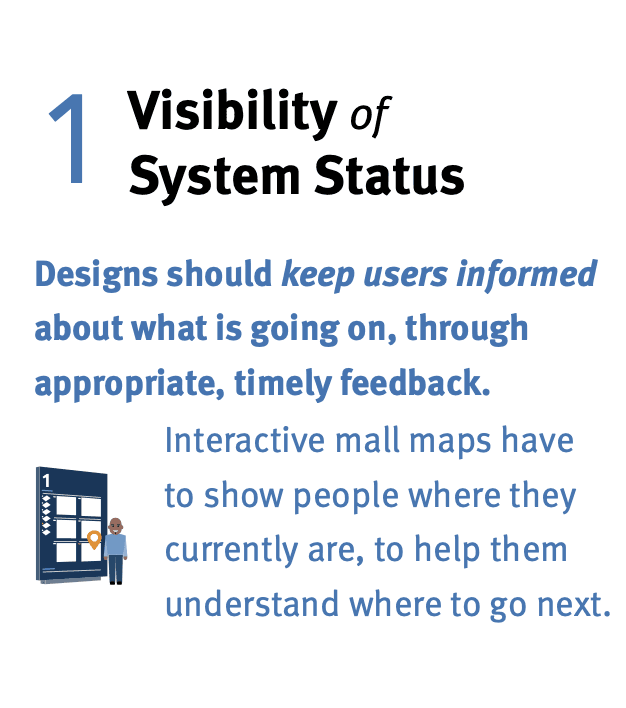
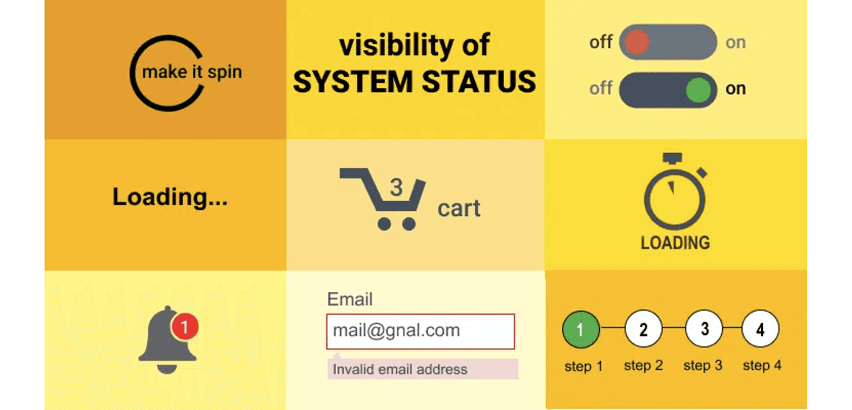
Users shouldn't have to guess if something worked.

User Testing Insight

During 1-on-1 usability testing, all 4 participants expressed a desire for more control over what information appeared on their dashboard. Most were unaware that any customization was available.

“I added a hydration goal and then… nothing. Did it save?” - Judy

“I added a hydration goal and then… nothing. Did it save?” - Judy

“It took me forever to figure out I could even change what shows up in Summary.” - Tony

Problem

Apple Health's interface uses minimal visual hierarchy and includes vague labels like "Browse" and "Sources," which may create confusion for users. During usability testing, participants struggled to interpret certain interface elements and were unsure whether actions—such as adding goals—had been completed successfully.

Why It Matters

• Flat visual structure can slow users down and increase cognitive load.

• Ambiguous language reduces clarity and confidence.

• Lack of feedback makes users unsure if actions were successful, potentially leading to errors or disengagement.

• Flat visual structure can slow users down and increase cognitive load.

• Ambiguous language reduces clarity and confidence.

• Lack of feedback makes users unsure if actions were successful, potentially leading to errors or disengagement.

Solution - Enhanced Visual Hierarchy & Clear Feedback

Solution - Enhanced Visual Hierarchy & Clear Feedback

Simplify Task Flows.

Ensure key tasks can be completed in 2-3 steps.

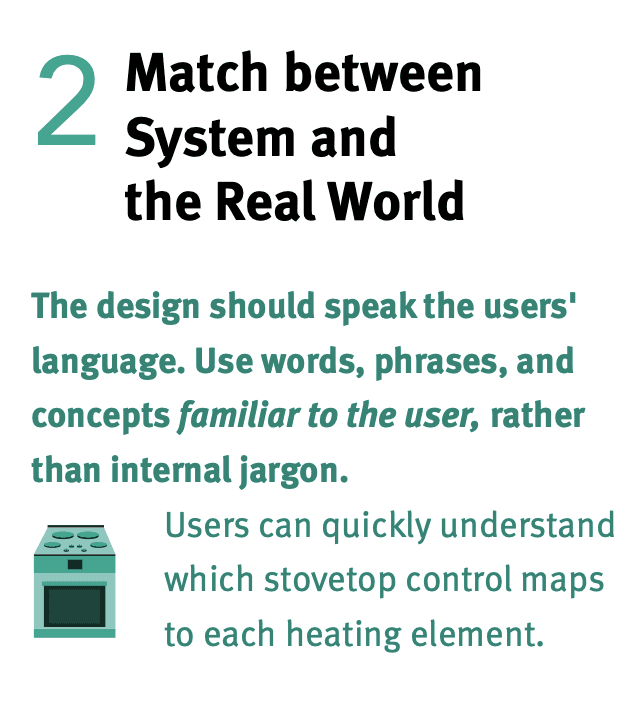
Clarify with Icons & Text Labels.

Use universally recognizable icons paired with brief, descriptive labels.

Apply Visual Consistency.

Standardize tile sizes, spacing, and information hierarchy for cleaner scanning.

Provided Immediate Feedback.

Use subtle animations or confirmations ("You've added this goal!") to keep users informed.

Why These Solutions Work

Why These Solutions Work

Simplified Flows & Labels

Simplified Flows & Labels

Less Effort = Less Frustration

Short task flows improve efficiency and lower cognitive load. Streamlining core tasks into 2–3 steps minimizes confusion and hesitation. When workflows are short and predictable, users can complete actions quickly - even under time pressure. This is especially important in health apps, where users often want fast access to critical information.

Less Effort = Less Frustration

Short task flows improve efficiency and lower cognitive load. Streamlining core tasks into 2–3 steps minimizes confusion and hesitation. When workflows are short and predictable, users can complete actions quickly - even under time pressure. This is especially important in health apps, where users often want fast access to critical information.

Less Effort = Less Frustration

Short task flows improve efficiency and lower cognitive load. Streamlining core tasks into 2–3 steps minimizes confusion and hesitation. When workflows are short and predictable, users can complete actions quickly - even under time pressure. This is especially important in health apps, where users often want fast access to critical information.

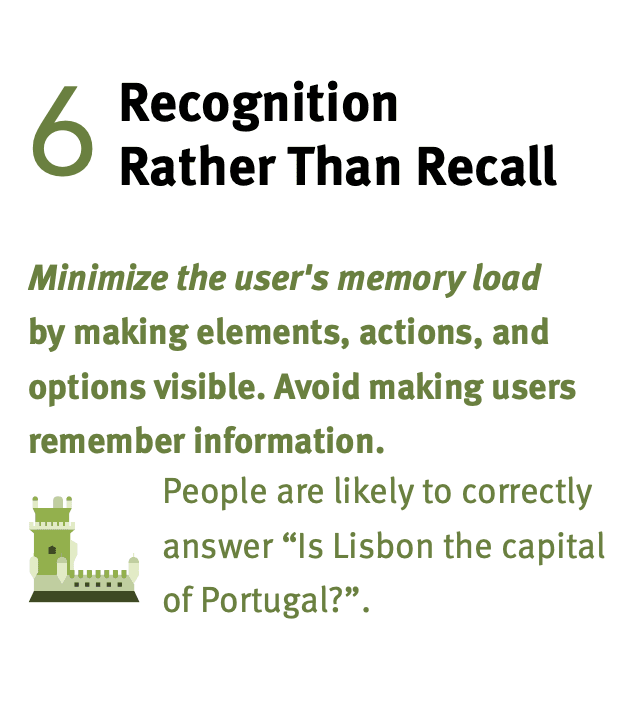
Pairing Icons & Text Labels

Pairing Icons & Text Labels

Users don't read - they scan

Visual labels allow users to find what they need faster. Pairing clear icons with concise labels helps users scan content faster and understand features at a glance. This approach supports users who may not understand abstract or clinical terminology (like "Mobility") and increases accessibility for new or casual users.

Users don't read - they scan

Visual labels allow users to find what they need faster. Pairing clear icons with concise labels helps users scan content faster and understand features at a glance. This approach supports users who may not understand abstract or clinical terminology (like "Mobility") and increases accessibility for new or casual users.

Users don't read - they scan

Visual labels allow users to find what they need faster. Pairing clear icons with concise labels helps users scan content faster and understand features at a glance. This approach supports users who may not understand abstract or clinical terminology (like "Mobility") and increases accessibility for new or casual users.

Visual Consistency & Feedback

Visual Consistency & Feedback

Feedback builds trust

A consistent layout makes navigation intuitive, reducing the need to relearn the interface screen by screen. Visual feedback (like checkmarks or confirmation messages) helps users feel confident their actions were successful - a key factor in trust and long-term app engagement.

Feedback builds trust

A consistent layout makes navigation intuitive, reducing the need to relearn the interface screen by screen. Visual feedback (like checkmarks or confirmation messages) helps users feel confident their actions were successful - a key factor in trust and long-term app engagement.

Feedback builds trust

A consistent layout makes navigation intuitive, reducing the need to relearn the interface screen by screen. Visual feedback (like checkmarks or confirmation messages) helps users feel confident their actions were successful - a key factor in trust and long-term app engagement.

Research Insight

"By communicating the current state of the system, users feel in control of the system, and this sense of control helps build trust."